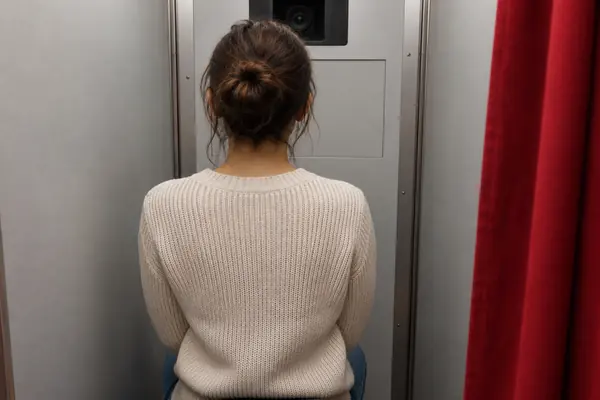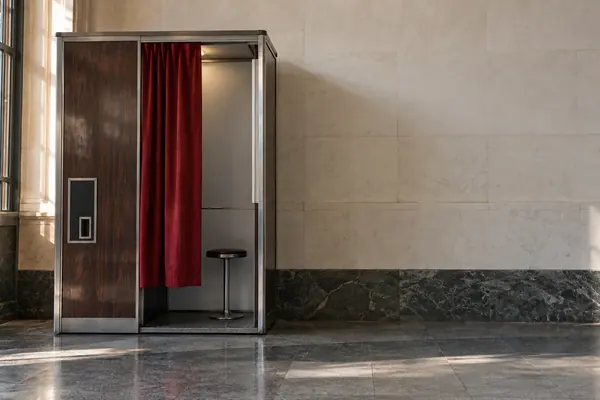
THE BOOTH
More likely to be approved
For online applications, GOV.UK says photos from a booth or shop are more likely to be approved than ones taken on your own device. Choose the option to get a photo code.
Check a photo funaiphotobooth
WHAT GOV.UK SAYS
The humble photo booth still does a serious job.
Check your photo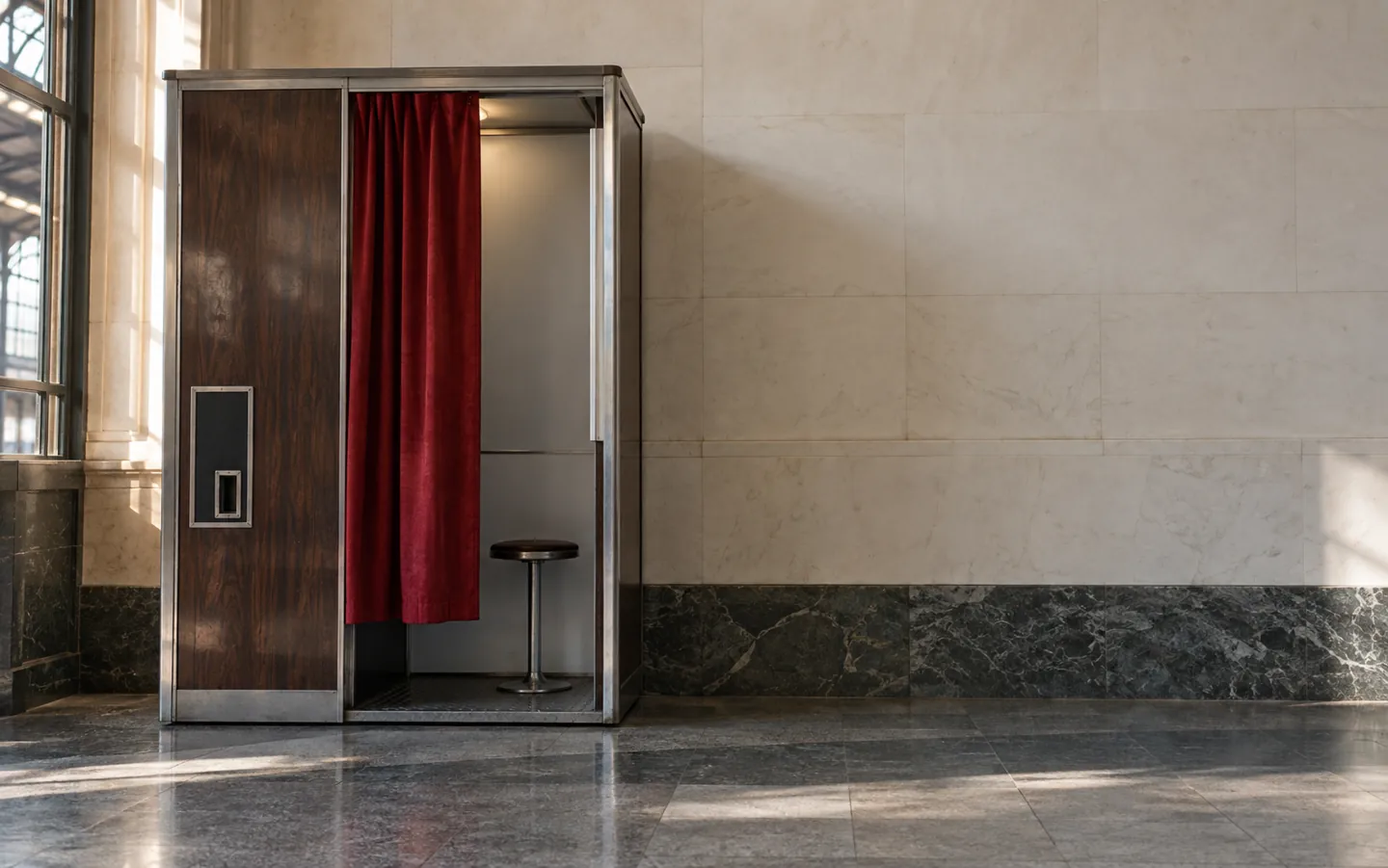
45 × 35 mmthe UK booth standard
For a UK passport, GOV.UK says photos from a booth or shop are more likely to be approved than ones taken on your own device. Here is what the rules ask of the picture, and where the booth itself came from.
Updated
THE SHORT ANSWER
The rules are about recognising you.
Anything that hides or changes your face can cause delay.
THE BOOTH
For online applications, GOV.UK says photos from a booth or shop are more likely to be approved than ones taken on your own device. Choose the option to get a photo code.
Check a photoTHE POSE
Look straight at the camera with a plain expression and your mouth closed, eyes open and visible, no hair over your eyes and no shadows on your face or behind you.
Before you sit downTHE PRINTS
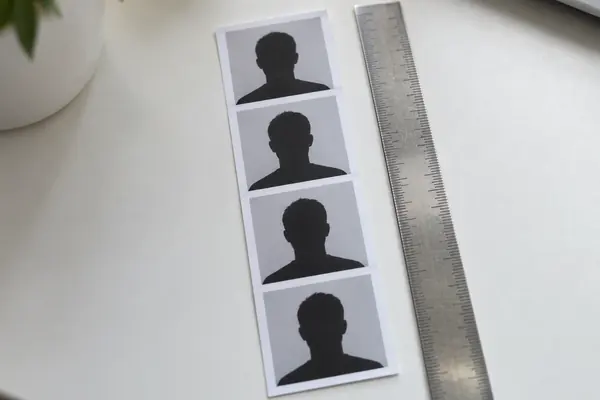
Paper applications need 2 identical photos, 45mm high by 35mm wide, the standard UK booth size, with your head 29mm to 34mm from crown to chin.
See the numbersGeneral information only, not legal advice. For advice on your own situation, speak to a qualified lawyer or a free advice service.
A QUICK PHOTO CHECK
Pick a situation to see what GOV.UK's passport photo rules say. The bar shows how likely the photo is to meet them.
Based on GOV.UK, Get a passport photo. Rules can change, so check GOV.UK before you apply.
TWO NUMBERS WORTH KNOWING
One measurement every UK booth works to,
one figure from the very first booth.
45 × 35mm
Standard UK passport photo size
Printed passport photos must measure 45mm high by 35mm wide, the standard size used in UK photo booths, and must not be cut down from a larger picture.
PRINTED PHOTOS · GOV.UK
7,500+
People who used it in its first 5 days
The first automatic photo booth appeared on Broadway in New York in 1925, and over 7,500 New Yorkers used it in its first 5 days. The first UK booth opened in London in 1928.
THE FIRST BOOTH · PHOTOGRAPHERS' GALLERY
Digital passport photos must be at least 600 pixels wide and 750 pixels tall, and between 50KB and 10MB.
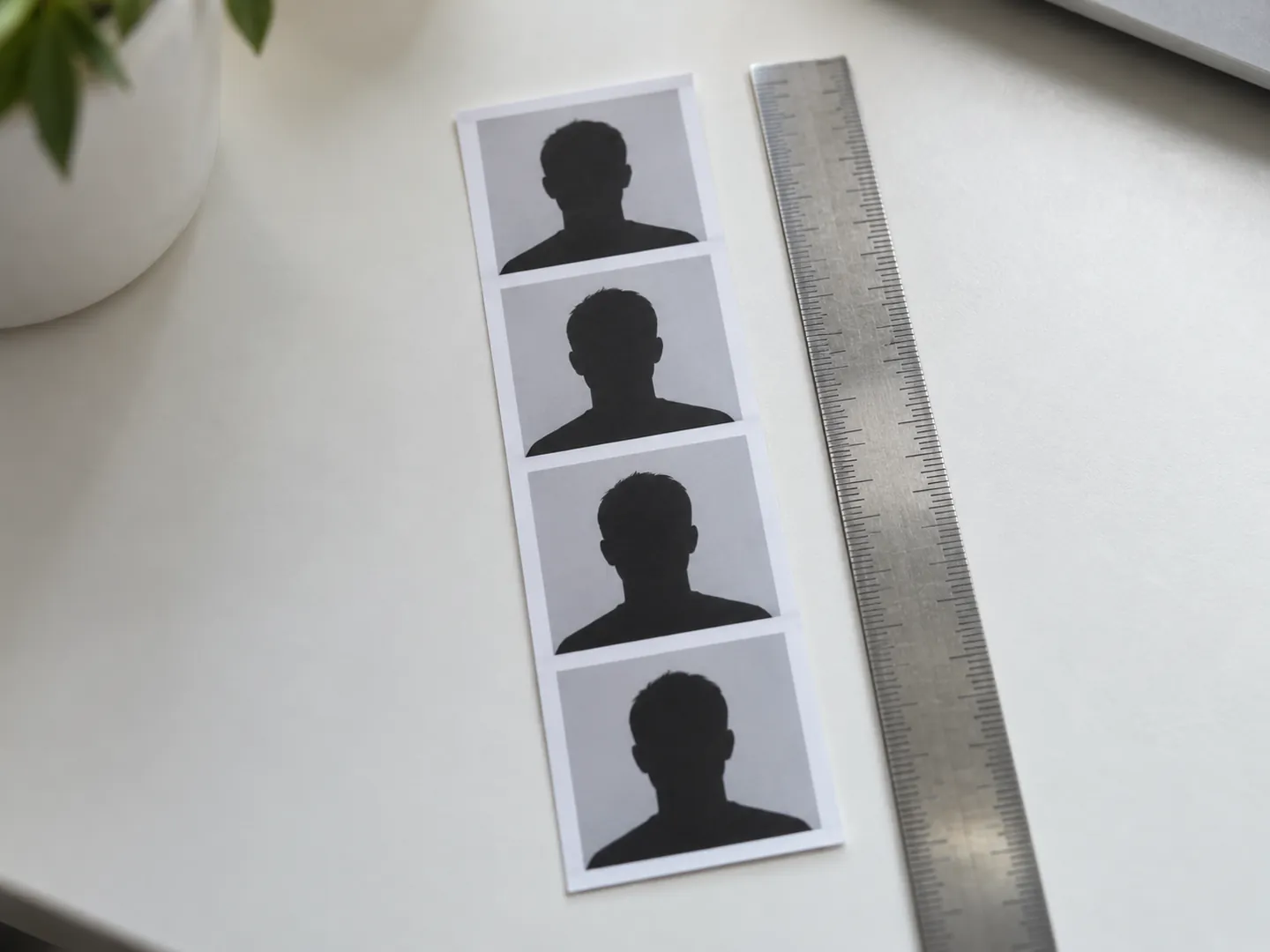
BEFORE YOU SIT DOWN
These come straight from the GOV.UK passport photo rules. A minute of checking can save a delayed application.
Applying online? Pick the option that gives you a photo code. Applying on paper? You need 2 identical printed photos.
Take off glasses unless you must wear them, move hair away from your eyes and remove any head covering unless it is for religious or medical reasons.
Face forwards, look straight at the camera, keep your mouth closed and your expression plain. Nobody else should be in the picture.
Printed photos must have no creases or tears and be unmarked on both sides unless one needs to be countersigned. Send them loose.
A HUNDRED YEARS OF BOOTHS
The Photographers' Gallery describes early booths as a combined studio and photography lab: no operator, no technical knowledge, just a coin and a curtain. In the 1950s and 1960s they were common at fairs, shopping centres and stations.
Coin-operated analogue booths disappeared with digital photography in the 1990s. Restored machines are now reappearing in cities, and the Science Museum Group collection holds an automatic photo booth made in 1945.
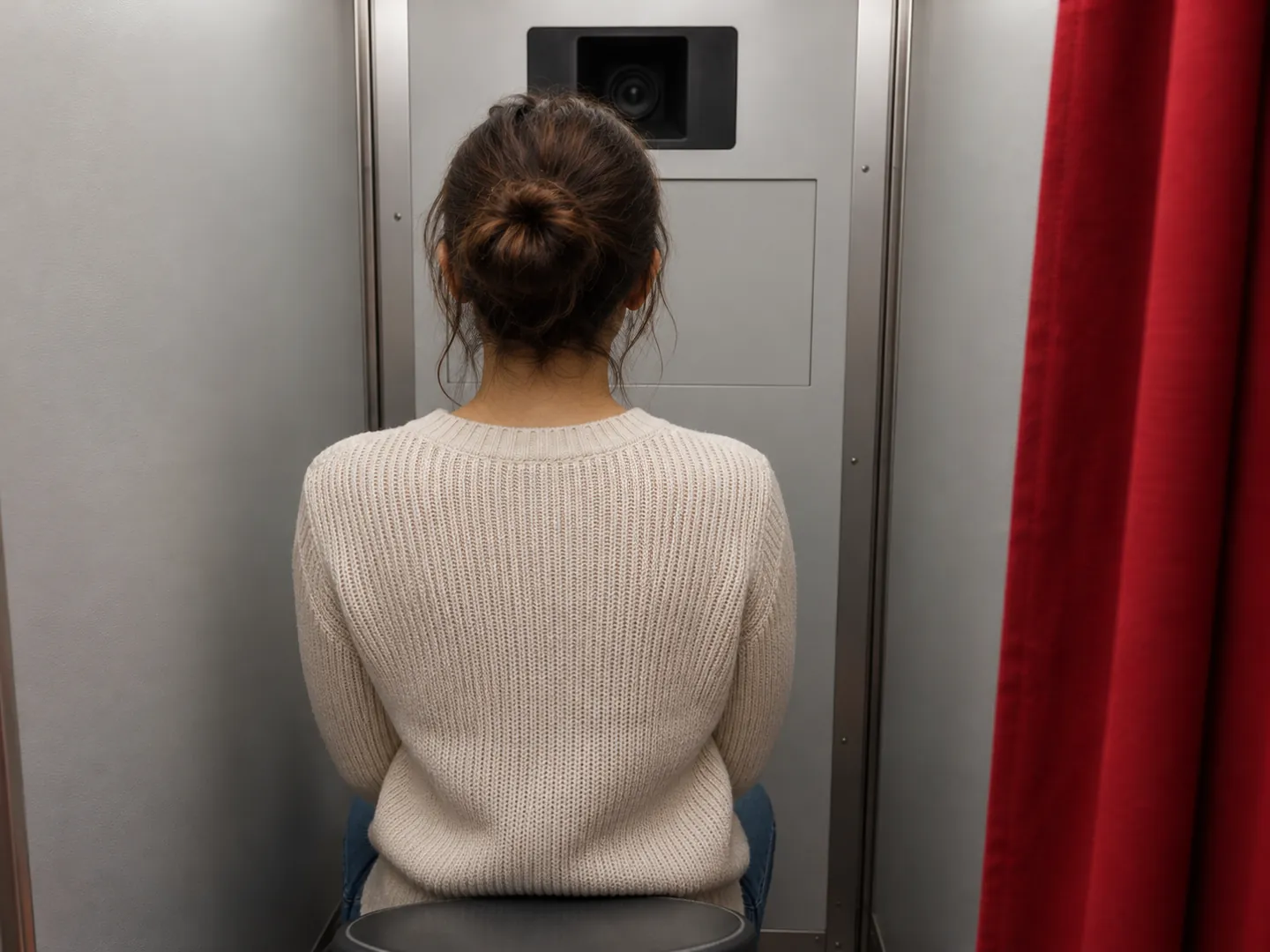
Questions
Yes. GOV.UK says photos from a booth or shop are more likely to be approved than photos taken on your own device. For an online application, choose the option to get a code with your photos.
Printed photos must be 45mm high by 35mm wide, which GOV.UK describes as the standard size used in UK photo booths. Your head, from crown to chin, must be between 29mm and 34mm high.
No. You need a plain expression with your mouth closed, facing forwards and looking straight at the camera. Children under 6 do not have to have a plain expression or look straight at the camera.
No. GOV.UK says both digital and printed photos must be unaltered by computer software. They must also be clear, in focus and in colour.
Digital photos need a plain light-coloured background. Printed photos need a plain cream or light grey background, and you must be in clear contrast to it with no shadows behind you.
ABOUT THIS NAME
funaiphotobooth.com is part of the DoodleSale portfolio. It isn't in an auction right now, but you can ask about leasing it.